

Monday, July 13th 2026
Is your Shopify app a webview? A five-minute check
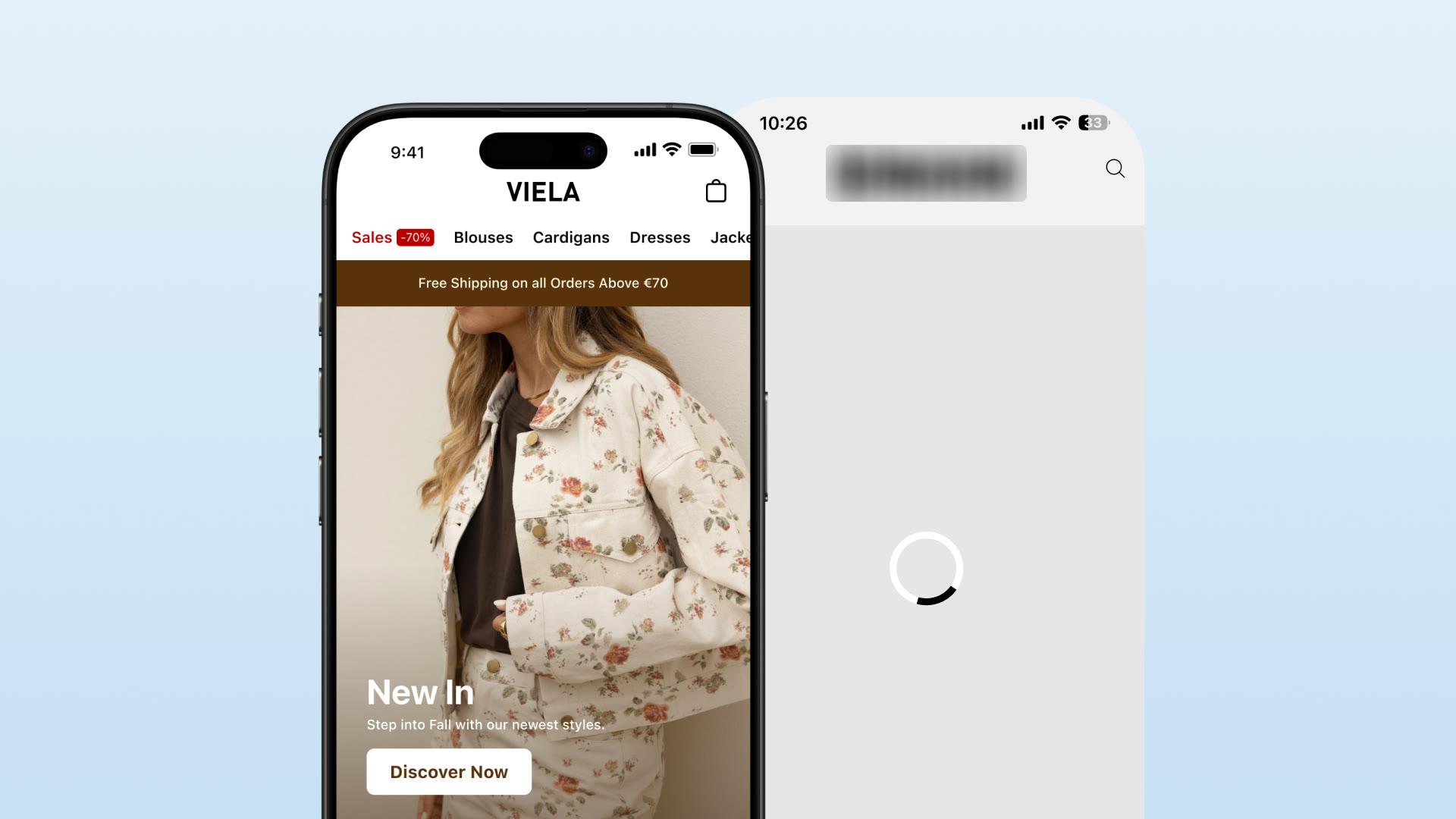

You're paying $500 to $2,000 a month for your "premium native" mobile app. The marketing says native. The sales pitch said native. But when customers open your loyalty program, it loads slowly. When they watch product videos, scrolling stutters. When they use your custom components, something feels off.
Large parts of a "native" app may not be native at all. They can be webviews, embedded web pages rendered inside the app. That can leave you paying a premium for an experience that behaves like the mobile website.
To be clear, a well-built webview can be usable and a poorly built native app can be slow. This article helps you see how revenue-critical screens are rendered so you know what you are paying for.
This article compares native and webview across the features that matter most (loyalty programs, video shopping, and custom components), shows what each technology actually delivers and what you pay for it, and gives you a five-minute test to tell which one you have.
Webview implementations can slow the customer experience, make the app feel less distinct, and reduce the return on the app investment. Many brands do not spot the difference before they have signed a contract.
Native and webview, defined
Before comparing features, here's what the two things actually are.
Native development means the interface is written in the platform's own language and compiled to run directly on the device: Swift with SwiftUI on iOS, Kotlin with Jetpack Compose on Android. It can provide smooth animation, responsive navigation, and full access to device features and gestures.
Webview development means the interface is HTML, CSS, and JavaScript rendered inside a browser frame embedded in the app (WKWebView on iOS and Android WebView). It behaves more like a mobile website and can introduce loading delays, less-responsive interactions, limited device access, and browser-style navigation.
Hybrid (mixed) apps are common. Some screens are native and others are webviews within the same app. The shell and a few screens may be native while revenue-critical features use webviews. When this article asks whether an app is a webview, it asks whether the screens that matter are rendered as webviews. Most real apps are a mix, so test the screens that affect revenue.
For the wider context on how apps get built and what each approach costs, see how to turn a Shopify store into a mobile app.
When webviews are fine, and when they're not
Not all webview usage is a problem. Some content genuinely makes sense as web content, where performance doesn't move a business metric.
| Fine as a webview | Should be native |
|---|---|
| Size guides (static content) | Loyalty program (core engagement driver) |
| Help and FAQ pages (text) | Video shopping (performance-critical) |
| Blog articles (reading) | Custom product pages (brand differentiation) |
| Terms of service (legal text) | Checkout (revenue-critical) |
The trouble is that most platforms use webviews for both columns. Your loyalty program gets the same treatment as your terms of service, and the features that drive revenue inherit the performance of the features that don't.
Checkout is a special case: Shopify apps run checkout through Shopify's own Checkout Kit, not a webview or a custom native build the app vendor controls. It belongs on the native side of the ledger, but the native-vs-webview test in this article doesn't apply to it the way it does to loyalty, video, or custom components.
How to tell which one you have
How to use these checks. Do not label a whole app "native" or "webview," because most are a mix. Run the eight checks below on revenue-critical screens such as loyalty, video, product, and custom components. One clue can be a design choice. Several on the same screen are a reason to ask the vendor how that screen is built. This is a behavioral test you can run on your own phone, not a source-code inspection.
You can run these checks in about five minutes without a developer. Open your app and test each screen. One result may be a coincidence. Several together merit an answer from the vendor.
| # | The test | Webview tell | Native behavior |
|---|---|---|---|
| 1 | Airplane mode. Turn it on, then open the app | A browser-style "No internet connection" page, or a blank screen | Still renders its shell, navigation, and recently viewed content |
| 2 | Tap into a product | A loading bar or spinner, or a white flash before content paints | Instant transition, often with a skeleton placeholder |
| 3 | Long-press text or an image | Browser selection handles and a "Copy / Share / Look Up" menu | Text and images aren't web-selectable |
| 4 | Pinch to zoom | The whole page zooms like a webpage | The layout doesn't zoom |
| 5 | Pull down to refresh | A full browser-style reload | No web refresh; content is already live |
| 6 | Scroll fast, then stop | Rubber-band overscroll and momentum identical to Safari or Chrome | Smooth, app-like scrolling with fixed native chrome |
| 7 | Compare fonts and layout to your website | Pixel-identical, web quirks included | Re-implemented UI, not a copy of the site |
| 8 | Press back repeatedly | You walk back through every page you viewed, like browser history | You move between app screens, not a page stack |
The fastest single check is airplane mode. A webview has nothing to show when it can't reach the web; a native app does.
You can also just ask your vendor two questions: "Is the interface built with SwiftUI and Jetpack Compose, or is it a WKWebView / Android WebView wrapping our website?" and "If it's native, why does it behave like a browser on the tests above?" Watch for the hedge: "it uses web technologies for flexibility," or the word "hybrid" doing a lot of work. Rendering your site's pages inside a frame is a webview, whatever the pricing page calls it.
Loyalty programs: native vs webview
Loyalty programs drive repeat purchases and lift customer lifetime value. They're too important to run on slow technology, yet they're one of the most common features platforms quietly render as a webview.
| Metric | Native | Webview |
|---|---|---|
| Load time | 0.2 seconds | 1.5 to 2.5 seconds |
| Scroll | 60fps, smooth | 25 to 35fps, stutters |
| Tap response | Instant (<50ms) | 150 to 300ms delay |
| Visual design | Matches the app exactly | Slightly off (fonts, colors, spacing) |
| Gestures | Swipe-back and pull-to-refresh work | Swipe-back often broken |
| Point updates | Real-time | Delayed, needs a refresh |
A fast loyalty screen makes it easier for customers to check and redeem points, and it feels like part of the app. A slow webview screen can discourage use and make the program feel separate. You may still be paying for Yotpo or Smile.io either way, so the implementation matters. In-app loyalty works best when customers can see and use it easily.
Premium price, budget implementation. Represent, a high-profile streetwear brand, runs its app on Venn Apps, whose lowest published plan starts at $1,999/month, with custom "contact us" pricing above that for brands that need more customization. A brand Represent's size is almost certainly on that higher custom tier (and may have its own negotiated deal), so the real figure is north of the $1,999 entry price, not that number exactly. And for all of it, the app still runs a webview loyalty program where customers log in twice: once for the app, once for loyalty. Loading delay, separate authentication, visual inconsistency. That is what "premium" can quietly mean.
Video shopping: native vs webview
Video shopping drives engagement and conversion. TikTok proved customers want a swipeable video feed, but only a native implementation actually delivers that feel.
| Metric | Native | Webview |
|---|---|---|
| Video load | Instant (preloaded) | 1 to 2 seconds per video |
| Swipe | Smooth, TikTok-like | Laggy, stutters |
| Product tags | Native overlays, instant tap | Web overlays, ~200ms delay |
| Transitions | Fluid, no stuttering | Visible loading between videos |
| Playback | Native player, 60fps | Web player, 30fps or less |
Video is performance-intensive, so webview limitations show up here most obviously. On native, customers swipe smoothly, tap product tags that respond immediately, and typically watch several videos per session. On a webview they wait for each clip to buffer, the tags lag, and most leave after one or two. Customers instantly feel the gap between TikTok (native) and a webview feed, even if they can't name it. A native video experience runs through direct integration with providers like Videowise or Tolstoy, using the platform's own video player and gesture handling rather than an embedded web player.
Custom components: native vs webview
Custom components are what differentiate your brand: product configurators, build-your-box flows, subscription selectors, unique layouts. This is also where "custom development" marketing most often hides web code.
| Aspect | Native | Webview |
|---|---|---|
| Technology | SwiftUI + Jetpack Compose | HTML, CSS, JavaScript |
| Performance | 60fps, instant | 30fps, visible lag |
| Flexibility | Unlimited, full device access | Limited to web capabilities |
| Design | Exact brand match | Close, never exact |
| Build time | 1 to 2 weeks | 3 to 5 days (faster, but worse) |
| Typical cost | Included on every NAPPS plan (Expresso), from $299/month | $1,500 to $2,000/month (enterprise tier) |
Prices in this article are monthly list prices, checked on October 29, 2026: NAPPS plans against our current pricing, and Venn Apps against its public pricing page. The other ranges are typical market figures, not quotes from a single vendor.
A native component is designed in Figma, built for iOS and Android in your exact design system, with smooth animations and full device access, and business logic handled in TypeScript. A webview component is web code rendered in a frame: constrained by web limitations, janky animations, gestures that don't behave like native, and performance that degrades as the component gets more complex. For a real example, see how Planeta Huerto rebuilt six native product-page components, an organic-food brand whose native app replaced webview components with custom native ones in its exact design system.
"Custom Blocks" that aren't native. Tapcart markets native apps, but its main customization feature, "Custom Blocks," is an HTML/CSS/JavaScript editor: you write web code that renders in a webview inside the app. That's not native development. It's embedding a web page in your app, at an enterprise price.
Why platforms charge a premium for webview
If webview is cheaper to build, why do platforms charge so much for it? Four reasons:
- Market rates. They charge what the market bears. If brands pay $2,000/month, there's little pressure to charge less.
- Enterprise positioning. "Custom development" sounds premium even when it's HTML and CSS.
- No alternative, until recently. Brands couldn't get native at a reasonable price, so they had no choice.
- The knowledge gap. Most brands can't tell native from webview until they've already signed.
That last one is the whole game, and it's why the five-minute test above matters.
What to do if it turns out to be a webview
Finding out an app uses webviews is not a crisis. You can change providers without losing the listing, reviews, or install base. Planeta Huerto, an organic-food brand, moved from a webview app to a native one and improved app-channel results, including 47% higher spend per customer and a 72% repeat-purchase rate. A relaunch is not a single-variable test. Retention work, promotions, and timing changed alongside the migration, so read this as directional evidence rather than proof of cause.
The performance gap shows up clearest in the channel a native app is supposed to power: push notifications. On native, a push tap lands on an instant, logged-in, cart-intact session; on a webview it opens the same slow mobile-web page the customer already left, so the channel stalls instead of compounding. We cover that in the push notifications and retention breakdown, including Zippy's app conversion rate of 7.20% against 1.53% on mobile web. That gap is directional too, not proof of the native effect alone: app users are typically a brand's more engaged, higher-intent customers before they ever install, so self-selection is doing some of that work alongside the native experience.
Two things make switching easier than it sounds: a good provider matches the time left on your current contract so you don't pay twice (NAPPS gives you those months free), and you can build the native version and run it through the eight tests above before you publish.
If native isn't in budget yet
Native has a reputation for being expensive, and traditionally it earned it: app platforms charge $1,000 to $2,000 a month for a native build, and a fully bespoke agency build runs $150,000 to $200,000 upfront plus ongoing maintenance. Even NAPPS's fuller custom tier on the Enterprise plan ($999/month) isn't feasible for every brand. Here's the honest guidance if you're not there yet.
Option 1: start smaller, add native components as you grow. You don't need the top plan to get native custom components. You can start on the Business plan at $299/month, which includes Expresso (NAPPS's native component layer, where custom screens are built in SwiftUI and Jetpack Compose rather than a webview). Expresso is included on every plan at no extra cost. That means genuinely native custom components starting from $299/month, without jumping straight to the enterprise tier.
Option 2: wait, and invest elsewhere. If even that isn't realistic, don't build an app yet. A slow webview app that frustrates customers does more harm than no app: the negative reviews and bad first impressions stick. That budget does more on product photography, website conversion, email, customer service, or inventory. Build the business first, and add the app when the audience is ready.
Option 3: start with a web app (PWA), in one specific case. If you have high-frequency purchases (food, subscriptions, consumables) and need to be on customers' phones now, a Progressive Web App puts an icon on the home screen for a small one-time cost. The catch: a PWA is entirely web content, it isn't in the App Store, and iOS limits its notifications. It's a bridge, not a destination. The honest rule: a good web app beats a bad native app, but a true native app beats both. Start on a PWA, grow the audience, migrate to native when ready.
See native vs webview on your own store
Reading a comparison only goes so far; the performance difference is something you feel. NAPPS, a native mobile app builder for Shopify and Shopify Plus brands, will build your store as a native app on your actual products and show you the side-by-side: loyalty loading in a fraction of a second, a video feed that behaves like TikTok, and custom components built in your exact brand design. The difference is usually obvious within thirty seconds, and it's the difference your customers already feel every time they open your app.
If you're switching from a webview provider, NAPPS matches the time left on your current contract, and those months are on us. The app is free until you're ready to publish, so you can run the comparison before committing to anything.
Book a 20-minute call and see native vs webview on your catalog
Frequently asked questions
Run a few checks on your phone. Open the app in airplane mode (a webview shows an error or blank screen, a native app still renders), tap into a product (a webview shows a loading bar or white flash), and long-press text (a webview shows browser-style selection handles). Three or more webview tells together mean it's almost certainly a webview around your website.
Not for everything. Static content like size guides, FAQs, and legal text is fine as a webview. The problem is revenue-critical features (loyalty, video shopping, custom components) rendered as webviews, where the performance ceiling directly lowers engagement and conversion. Checkout is a related but separate case: Shopify apps run it through Shopify's own Checkout Kit rather than a vendor-built webview or native screen.
They feel it even if they can't name it. Webview features load more slowly, stutter, and behave like a browser, which shows up as lower engagement and fewer repeat sessions rather than an explicit complaint.
Apple doesn't ban webviews, and plenty of approved apps use them. What Apple's App Store Review Guideline 4.2 (Minimum Functionality) requires is that an app provide features, content, and UI beyond a repackaged website. A thin wrapper that just loads your mobile site can fail review on that basis; an app that uses webviews for some screens but offers real app functionality around them generally won't.
Yes, without losing your App Store listing or reviews. Planeta Huerto migrated from a webview app to native and improved every metric. If you're mid-contract, providers like NAPPS match the remaining time so you don't pay twice during the move.
The bottom line
You are paying for technology that should help the business. Webview implementations can limit the features that drive revenue. Native implementations can offer more control, but quality still depends on how each screen is built. Use the tests above to understand what you have, then decide whether the current implementation meets the job.
Book a 20-minute call and see the difference on your own store
Keep reading
October 27, 2026 - 10 min read
4 MobiLoud alternatives for Shopify: pricing and fit


October 23, 2026 - 8 min read
Tapcart vs Shopney: pricing, features, and which fits your Shopify store
September 18, 2026 - 13 min read
Tapcart Alternative: NAPPS Pricing, Features & Migration